| Permissions |
|
| Related readings |
Editable documents support document-level actions such as resetting content, exporting documents, and saving reusable templates.
TABLE OF CONTENTS
Reset an Editable document
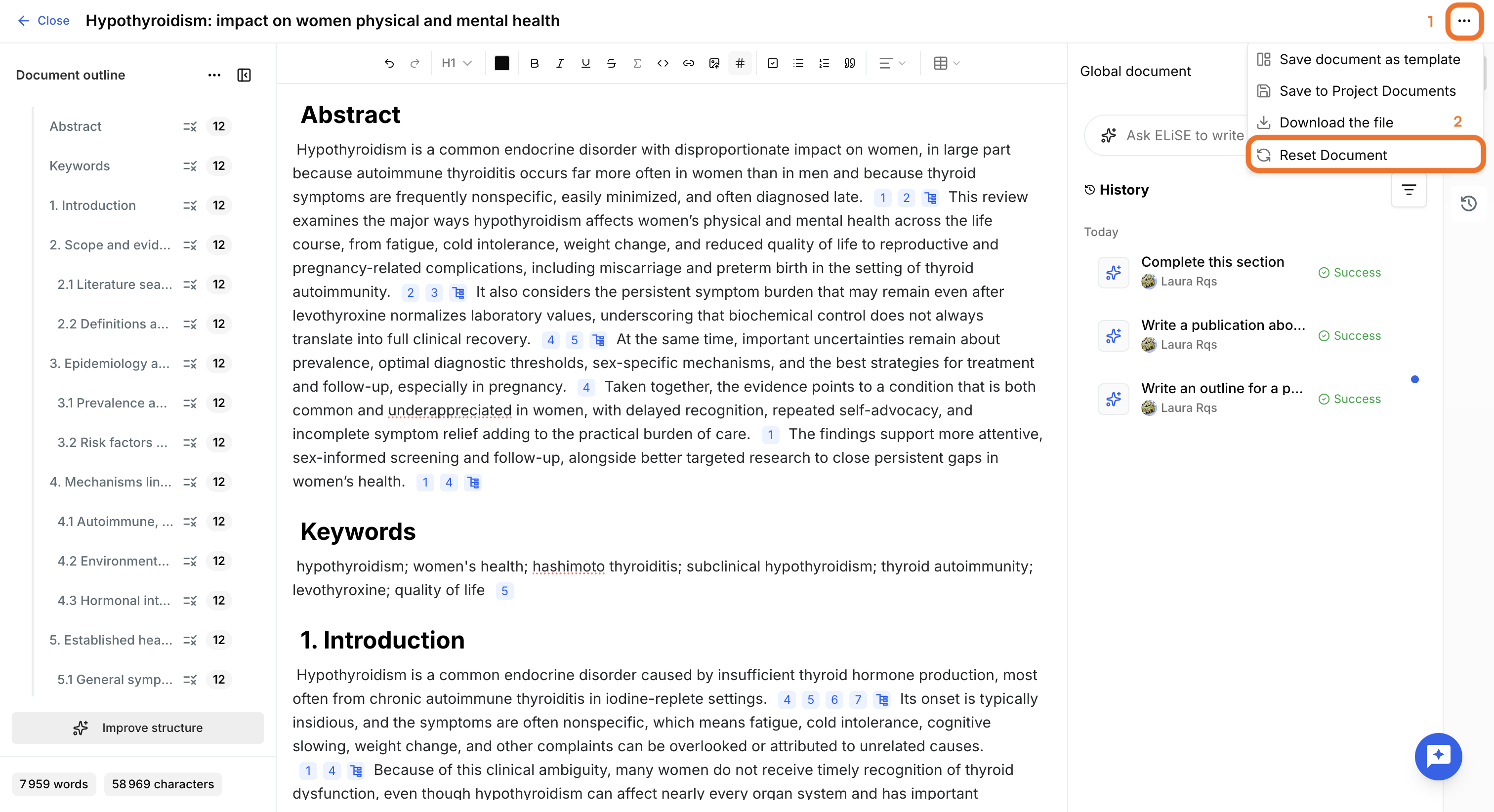
From the document menu, click Reset document to restore the document.
Two options are available:
- Reset entirely: restores the document to its initial state. A blank document becomes empty again, while a document created from a template returns to its original template content.
- Erase content: removes all manually written and generated content while preserving the current outline.
Export an Editable document
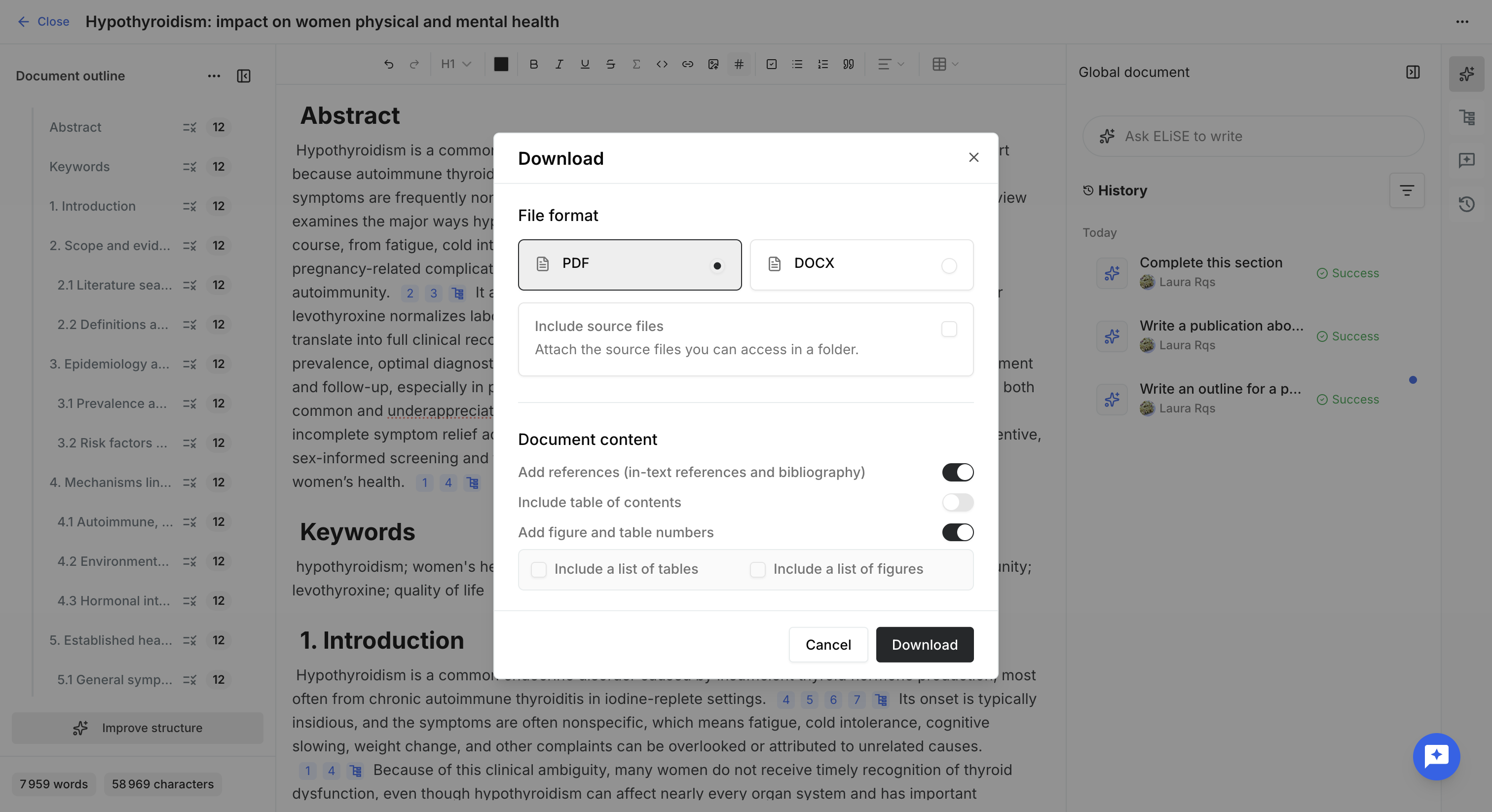
Editable documents can be exported as PDF or DOCX.
During export, you can choose whether to include or not:
- References.
- The table of contents.
- Tables and figures numbers.
- The List of figures
- The list of tables
You can also decide to export only the editable document or include the accessible source documents.
When source documents are included, the export is provided as a ZIP archive containing the document and its sources.
Save an Editable document as a template
Any editable document can be saved as a reusable template.
After providing a template name, it becomes available to other users within the same project.
Was this article helpful?
That’s Great!
Thank you for your feedback
Sorry! We couldn't be helpful
Thank you for your feedback
Feedback sent
We appreciate your effort and will try to fix the article