| Permissions | Assistant is available to all users and is personal |
| Related readings |
Warning: this is a beta feature. It currently has limitations that will be improved in future versions.
This article explains how you can use the assistant to configure complex Q&A or Extract presets.
Create a preset
To create a preset using the assistant,
- Open the assistant
- Select the required sources if needed
- Describe what you want to build. Be as precise as possible to ensure the preset is correctly configured (Q&A or extract, objective, number of items, output type, etc.)
- Send your request
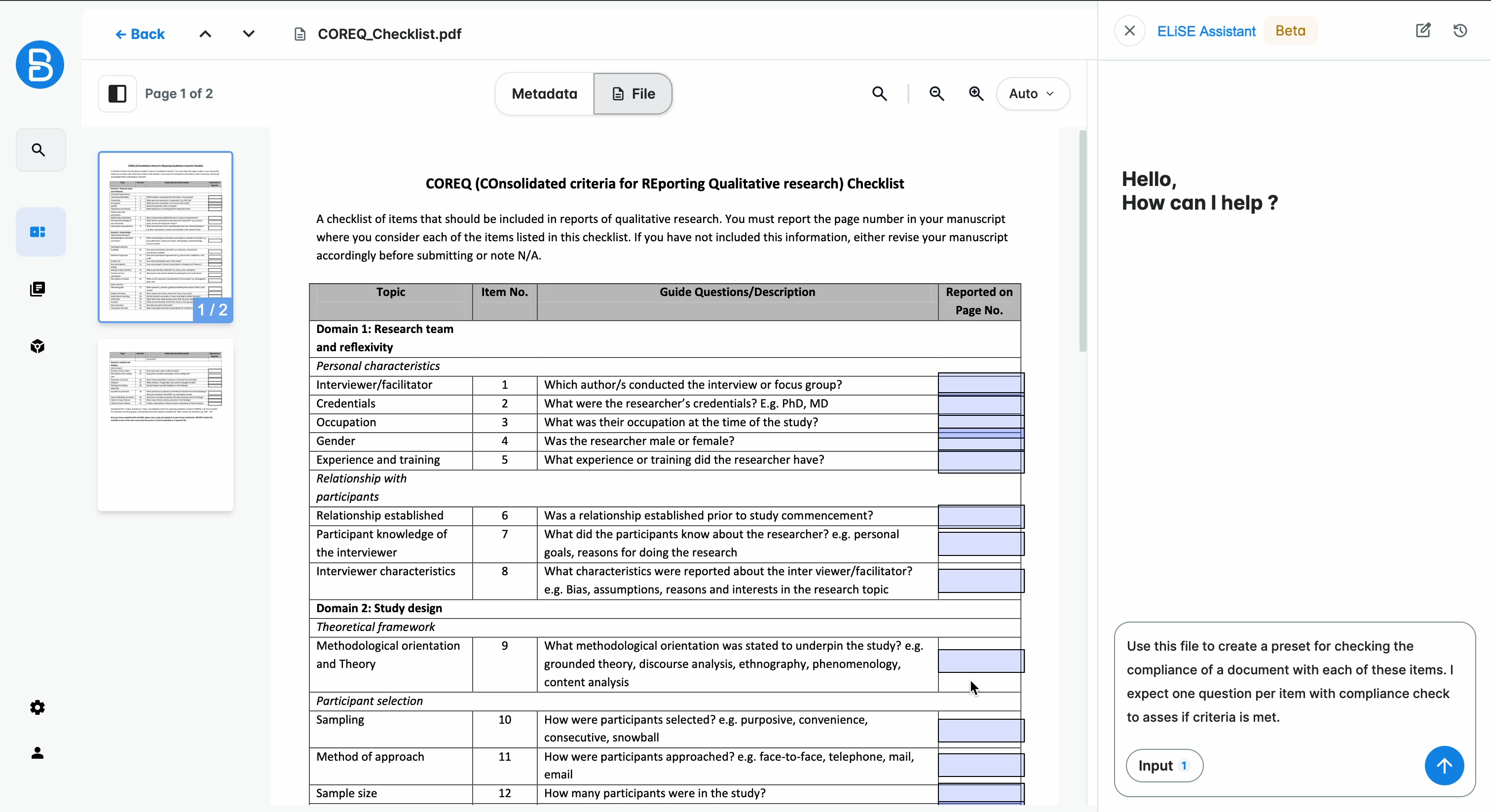
Depending on the complexity of your request and selected sources, preset generation may take a few seconds.
Once ready, the assistant provides a preview.
You can check the preview to decide whether to save the version or continue iterating. If you save it, you will still be able to edit if afterward.
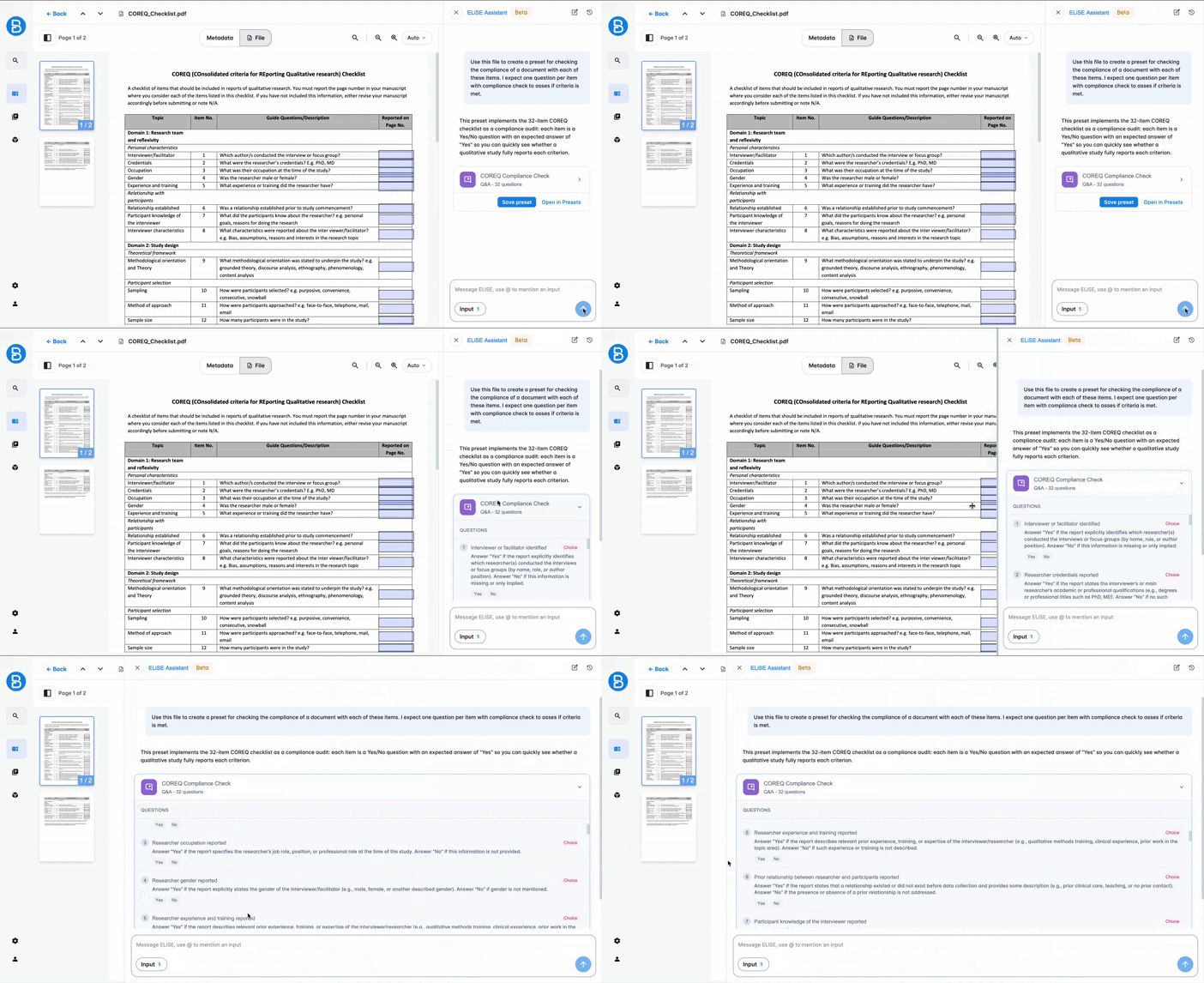
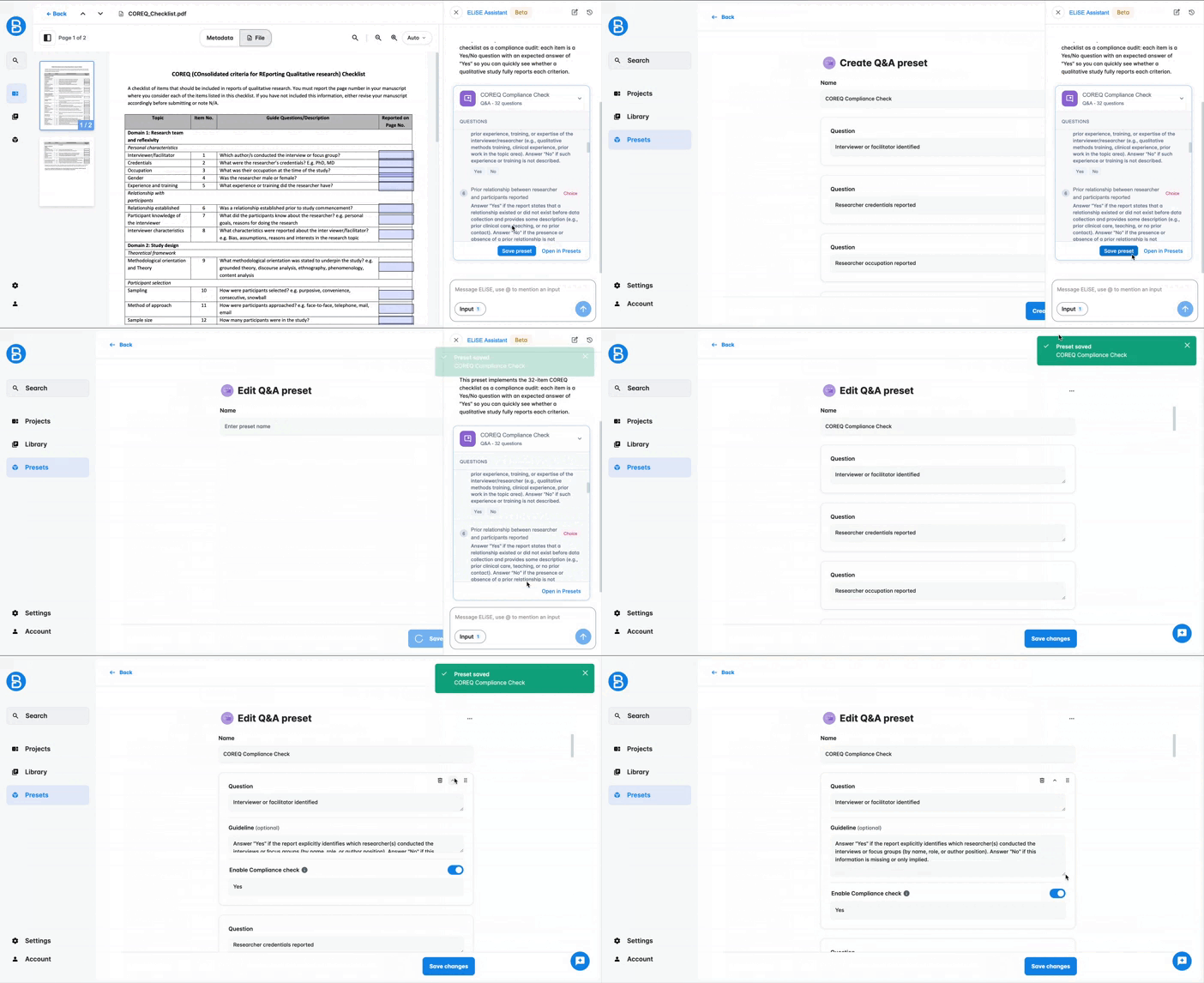
Click "Save" to store the preset.
If you do not save it, the preset will remain a preview in the assistant conversation and will not be usable on the platform.
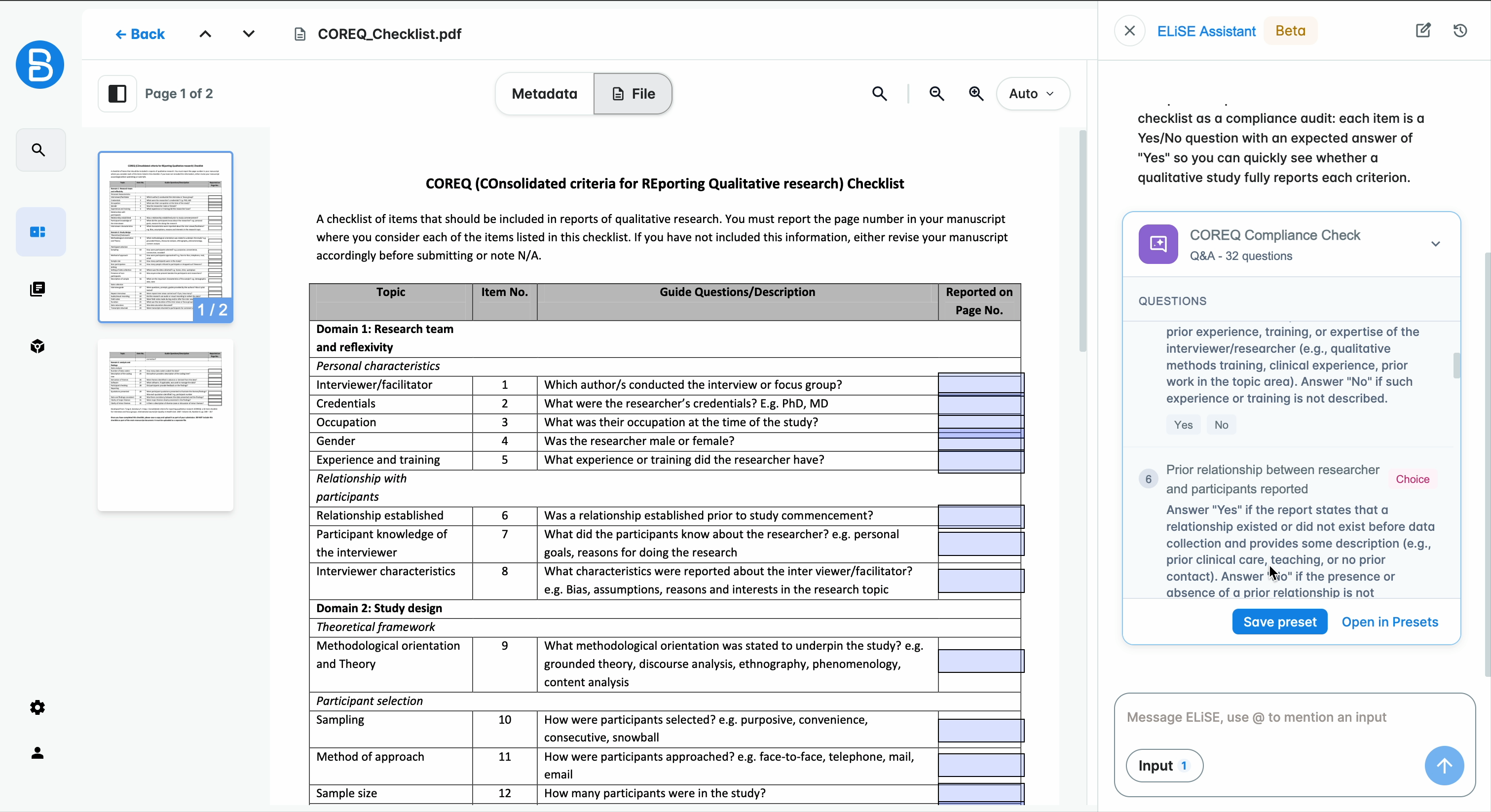
If the preview is insufficient, click "Open in Presets" to view and edit the configuration in the application.
From there, you can manually modify and save the preset if needed.
Edit a preset
Once a preset has been created through the assistant, you can iterate on it directly within the conversation.
Request changes and follow the same flow as before: preview, save, or open in Presets.
Beware, this is only possible if the preset has not been manually edited.
If the preset has already been manually modified, any new version generated by the assistant will be based on its own history. Saving it will override the manual version.
This behavior will be modified in a future version.
Was this article helpful?
That’s Great!
Thank you for your feedback
Sorry! We couldn't be helpful
Thank you for your feedback
Feedback sent
We appreciate your effort and will try to fix the article