| Permissions |
|
| Related readings |
Search results can be monitored, filtered, and reviewed before importing relevant publications into a collection.
TABLE OF CONTENTS
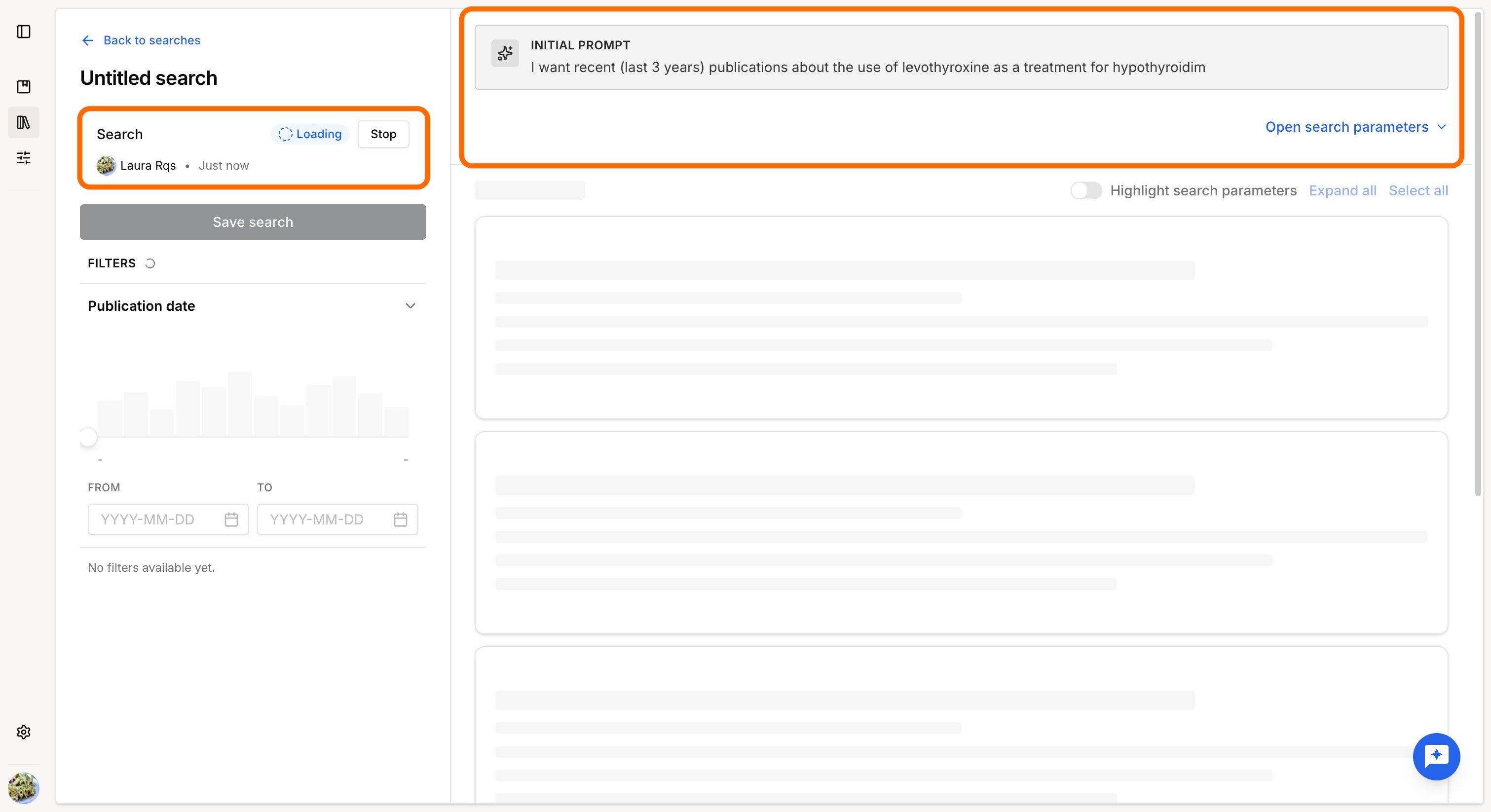
Monitor search progress
Searches may return a large number of results and can take some time to complete.
While the search is running, you can monitor:
- Search status and Stop option: Running, Successful, Failed, or Aborted.
- Query: you can edit and relaunch the search at any time.
You can stop a running search at any time. The results retrieved before cancellation remain available.
Filter results
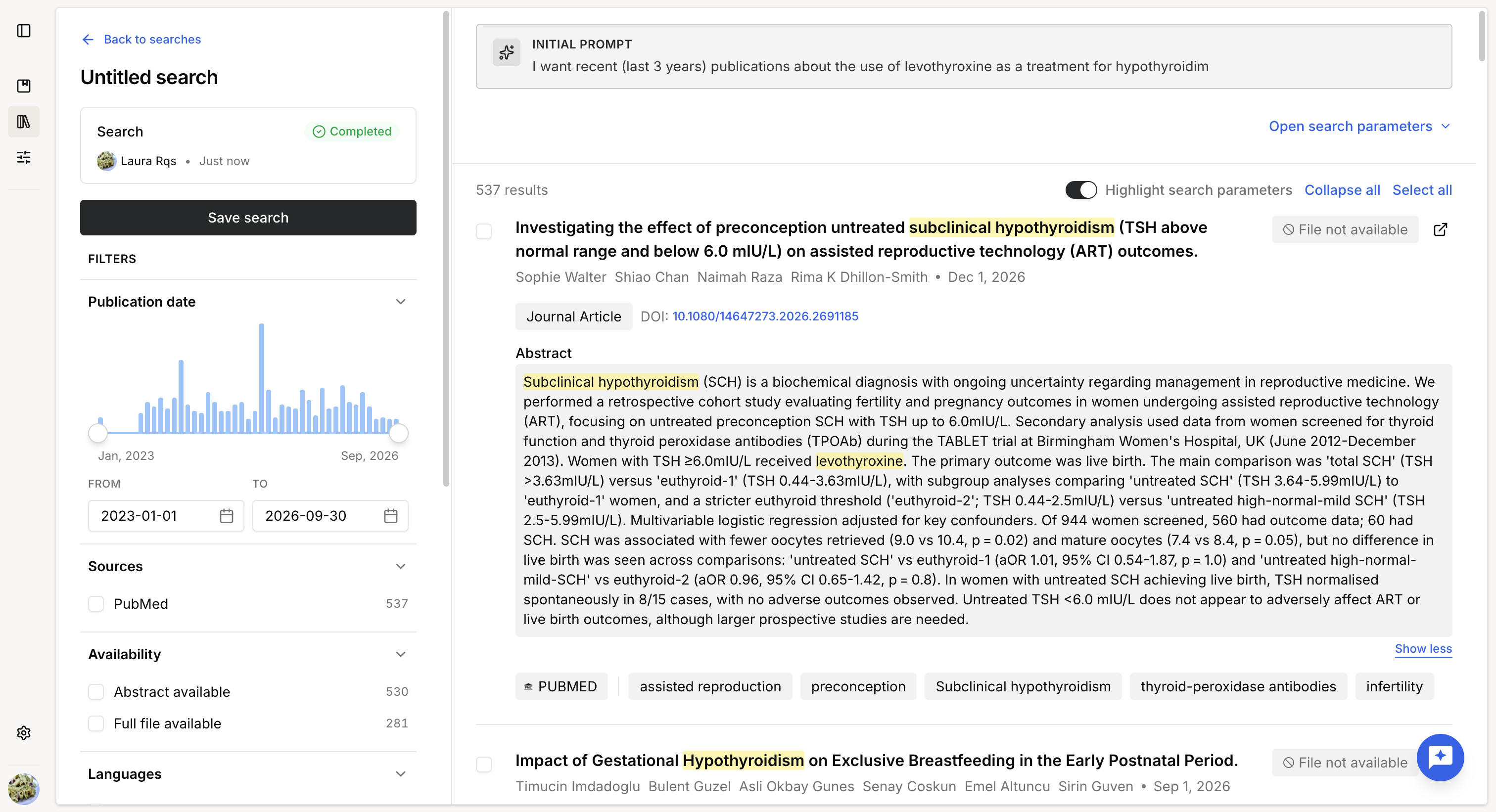
Once the search is complete, you can filter the results by:
- Publication date
- Data source
- Content availability (abstract or full text)
- Publication type
- Language (not available for arXiv)
Review a publication
The available information depends on the selected data source.
Depending on the publication, you can view:
- Title
- Authors
- Publication date
- Availability of the full text
- Preview of open-access documents
- Link to the original publication
- Publication type (PubMed)
- DOI (PubMed and OpenAIRE)
- Abstract
- Source database
- Keywords (when available)
Highlight search terms
Once search results are available, you can enable Highlight search terms to quickly identify why a publication matches your query.
When enabled, the values searched in your query are highlighted directly in the metadata displayed for each result, such as the title, abstract, keywords, or other searchable fields when available.
This makes it easier to verify the relevance of a result without opening the full publication.
Was this article helpful?
That’s Great!
Thank you for your feedback
Sorry! We couldn't be helpful
Thank you for your feedback
Feedback sent
We appreciate your effort and will try to fix the article